
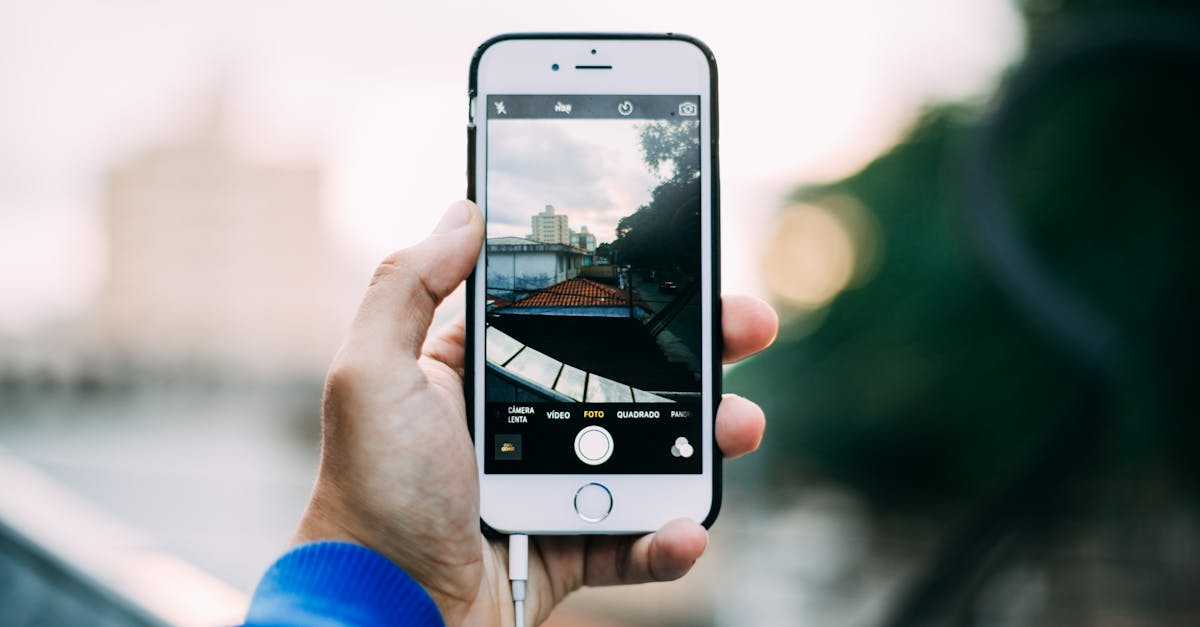
In a world where every pixel counts and storage space is at a premium, the struggle to manage photo sizes on an iPhone is all too real. Whether it’s that epic vacation shot or your cat’s latest mischief, those high-resolution images can quickly eat up valuable space. And let’s face it, nobody wants to miss out on capturing a moment because their phone’s storage is full.
Table of Contents
ToggleUnderstanding File Size on iPhone
File size represents the amount of digital space a photo occupies on an iPhone. JPEG and HEIF are common formats, each affecting storage differently. High-resolution images often result in larger file sizes, which can quickly deplete available storage.
Compression plays a crucial role in managing file sizes. It reduces the data in images while maintaining acceptable quality. iPhones typically use HEIF for optimal storage efficiency, compressing files more effectively than older formats.
Storage space directly influences how many photos a user can keep on their device. For example, a 12-megapixel image taken with an iPhone can range from 2 MB to 5 MB, depending on the compression. Users should also consider that shooting in RAW format significantly increases file size, often exceeding 25 MB per image.
Managing file sizes involves understanding how settings impact storage. Changing camera settings to lower resolutions or switching to different formats can alleviate space issues. Regularly reviewing photo libraries and deleting unnecessary images contributes to maintaining optimal space.
iPhones contain tools for resizing images. Using the built-in Photos app allows users to adjust dimensions and quality before sharing. Choosing to optimize storage options could prevent disruption while capturing important moments.
The balance between quality and storage capacity is essential. Users experiencing storage issues must prioritize efficiency, ensuring their devices remain ready for new memories.
Benefits of Decreasing Photo File Size
Decreasing photo file size offers significant advantages for iPhone users, particularly in storage management and sharing efficiency.
Improved Storage Management
Effective storage management results from smaller photo file sizes. Users can save valuable space on their devices, allowing for more apps, music, and documents. A full library can lead to missed photographic opportunities, especially when memory limitations arise. By compressing images, individuals can retain more pictures without sacrificing quality. High-resolution photos can occupy 2 MB to 5 MB. Managing this size directly enhances access to new memories and important content, ensuring devices remain functional.
Faster Sharing and Uploading
Faster sharing and uploading become possible with reduced photo file sizes. Smaller files upload more quickly to social media platforms and cloud storage, facilitating instant sharing with friends and family. Sending images via messaging apps becomes seamless as it reduces waiting times and data usage. This rapid sharing enhances communication without frustrations related to lengthy upload times. Users can share moments on the go, enriching social interactions and maintaining connections in real time. Opting for smaller file sizes improves both convenience and speed in this increasingly digital world.
Methods to Decrease File Size of Photos on iPhone
Managing photo sizes effectively on an iPhone enhances storage space and improves device performance. Several methods can help reduce file sizes.
Using the Photos App
The Photos app provides built-in tools for resizing images. Users can select images to edit and opt for “Duplicate” to create smaller versions. After resizing, deleting the original preserves storage space. Photo formats play a role; converting to the more efficient HEIF format maintains quality while decreasing file size. Additionally, sharing options through the app often compress images automatically for faster sending.
Adjusting Camera Settings
Altering camera settings significantly impacts file size. Users can switch from RAW to JPEG or HEIF formats for standard photography. Lowering the resolution or adjusting the quality settings within the camera app decreases individual file sizes. Opting for “Live Photos” can create larger files; disabling this feature when not needed helps manage storage. Keeping the “Grid” setting on assists in composing shots without overshooting.
Utilizing Third-Party Apps
Third-party apps offer extensive options for reducing photo file sizes effectively. Applications like Image Size and Compress Photos allow for easy adjustments to resolutions and formats. Users can select compression levels, balancing quality against file size. Many apps offer batch processing, enabling users to resize or compress multiple photos at once. Choosing reputable apps ensures optimal results without compromising image clarity.
Tips for Maintaining Photo Quality
Optimizing photo file sizes doesn’t mean sacrificing quality. Users can take specific steps to ensure images remain sharp and clear while reducing storage consumption. First, utilizing the HEIF format proves beneficial as it compresses images without significant loss in quality.
Adjusting camera settings aids in maintaining photo integrity. Switching from RAW to JPEG or HEIF can markedly lower file sizes while preserving essential details. Lowering resolution settings during captures also minimizes file sizes, but should be balanced to maintain overall image quality.
Reviewing the photo library regularly helps users identify and delete unwanted images. Unused screenshots or blurry pictures consume valuable space and can be easily removed. Utilizing built-in tools in the Photos app, such as Resize, allows for efficient image management while retaining quality.
Third-party apps provide alternative avenues for photo compression. Tools like Image Size and Compress Photos offer granular control over resizing, enabling individuals to retain better quality while reducing file size. Users can experiment with different compression settings to find the ideal balance for their needs.
Lastly, ensuring regular backups in cloud storage prevents loss of high-resolution images. Storing originals allows users to compress and resize files without concern for quality degradation. These methods collectively enable users to maintain photo quality while effectively managing file sizes, ensuring devices stay clutter-free and ready for new memories.
Managing photo file sizes on an iPhone is essential for optimizing storage and enhancing the overall user experience. By utilizing the built-in tools in the Photos app and adjusting camera settings, users can significantly reduce file sizes without sacrificing quality. Third-party apps provide additional options for those seeking more control over image compression.
Regularly reviewing and decluttering photo libraries ensures devices remain efficient and ready for new memories. Embracing these strategies not only facilitates quicker sharing and uploads but also preserves precious moments. With the right approach, users can enjoy a seamless photography experience while keeping their devices organized and functional.